
Material Design System for Figma. UI Kit
Meet Material design system UI kit for Figma. Design library with 120+ templates & 1000+ components compliant with Material.io.


Material components
Scalable and adjustable components with resizing constraints set

Paired typography
Use Roboto & Red Hat Display fonts for better product design
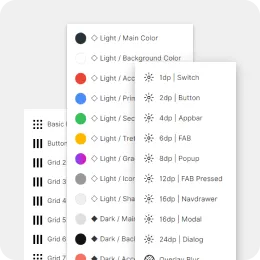
Global styleguides
Customize fonts, colors, shadows and other styles on-the-fly

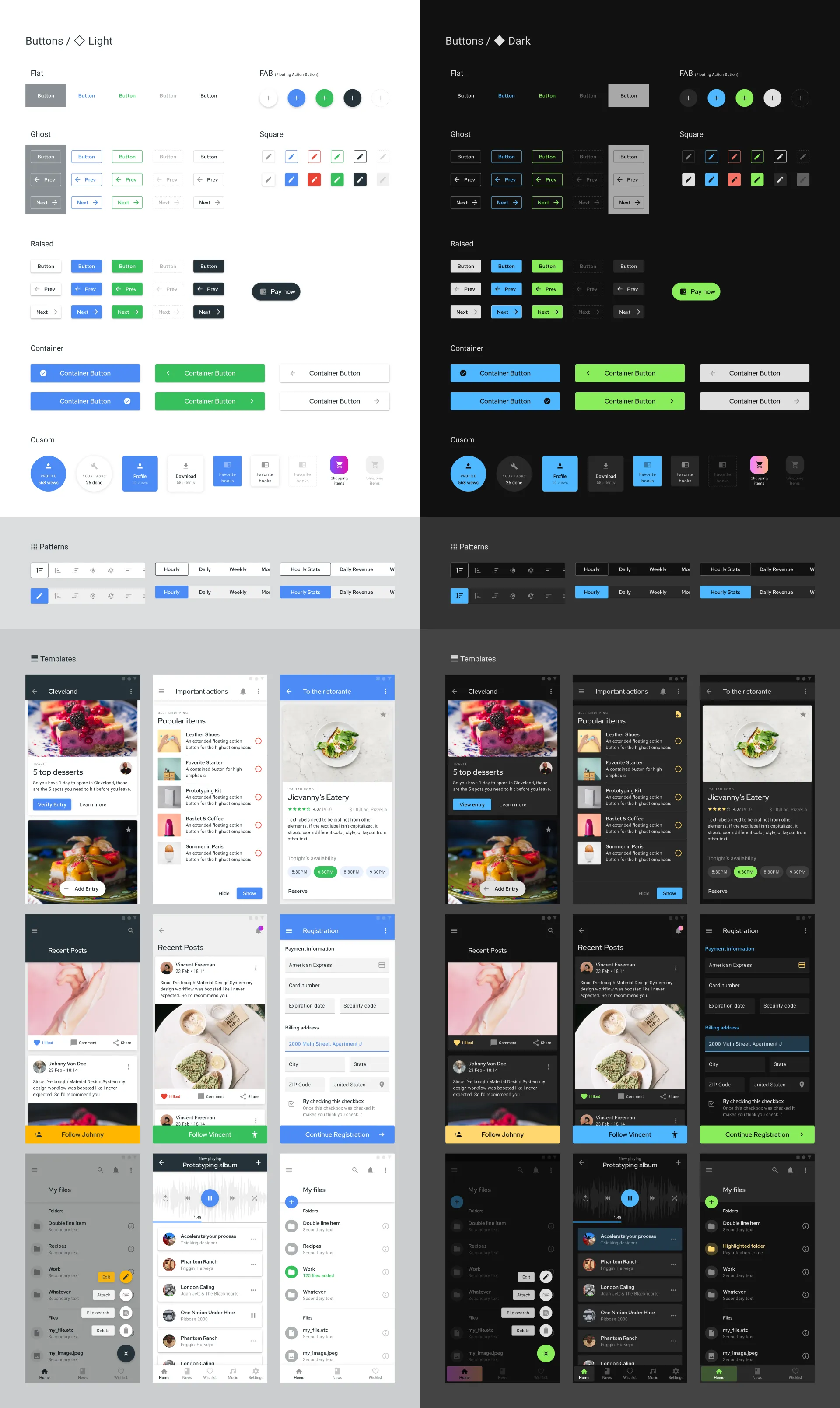
Light and dark themes
Based on the latest material guidelines with dark mode
Preview 1K+ components and over 120 app templates



Get started⚡


Buy a Bundle. Save 30%
Recommended for designing dashboards, web & mobile apps based on Material Design patterns. Included: Material Dashboard + Material Design System.
Put your product in front of 17,000 readers
FAQs
How to start with this design system?
After the successful purchase via Gumroad (it's safe and encrypted) you will be taken to a download page. You will also get the download link in your email (check the SPAM folder sometimes). Then just simply drag and drop .FIG file onto your Figma app. Do not drop it onto the project. Drop it over the starting screen with recent projects grid.
l am new to Figma. Should I try your kits?
Definitely! Our products help customers who learning Figma from scratch. By exploring and studying commercial UI kits you learn how the components and layouts were crafted, which styles being used and which styling tricks have been applied.
How to import your kits?
Importing .FIG files into Figma: https://help.figma.com/hc/en-us/articles/360041003114-Import-files-to-the-file-browser
Which license type should I choose?
You must select the proper license type according to the number of users in Figma if you're purchasing our product for the business.
Business license — for startups or enterprise organizations to use for a local team or publish in Figma library.
Individual license — for freelancers, indie developers, or solopreneurs working on a single project.
Can I build commercial proiects with your products?
Yes! You can build an unlimited amount of commercial projects using Setproduct assets. But, please, consider a license type before making a purchase.
Can I promote my product on Setproduct?
Yes. Publish a guest post on the Setproduct blog about your product. About 17,000 people read the blog every month, its domain rating is 42, and posts go live within 24 hours. One link costs $390, two links cost $490, and the Delegate plan at $890 includes the article written for you. Start on publish.setproduct.com.
Do you offer discounts?
The bundle packs several kits together at a lower combined price. We also run seasonal sales, and newsletter subscribers hear about them first.